

Unlocking Next-Gen CRM Efficiency with Zoho CRM Features
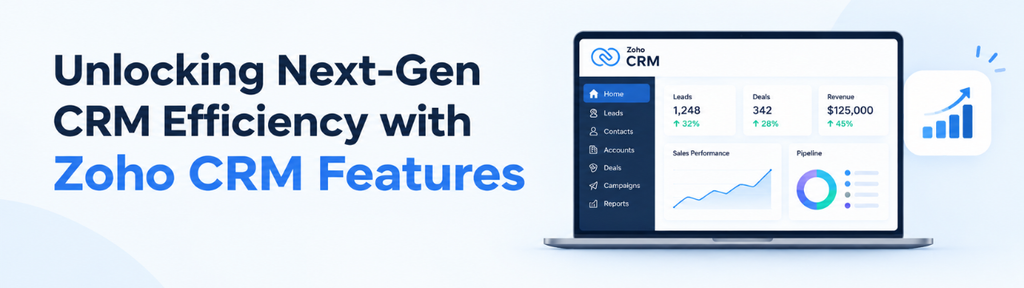
Modern businesses need smarter tools to manage data, automate workflows, and engage customers. The latest Zoho CRM features improve data accuracy, simplify marketing content creation, and streamline daily operations. With structured address fields, AI-powered tools, and enhanced Kiosk Studio capabilities, businesses can boost productivity and make better-informed decisions.
Key Zoho CRM Features for Better Efficiency
The latest Zoho CRM features focus on three essential areas of CRM efficiency:
- Structured Address Fields: Zoho CRM features for address management improve data organization, maintain consistency, and enhance reporting accuracy, helping businesses gain more reliable insights.
- AI-Powered Marketing Tools: AI-driven Zoho CRM features help businesses create customer-focused marketing content that emphasizes benefits rather than just product specifications. This approach improves communication and helps businesses demonstrate value more effectively.
- Enhanced Kiosk Studio: These Zoho CRM enhancements streamline workflows, simplify record handling, and reduce repetitive manual tasks, allowing teams to work more efficiently.
Improve Business Productivity with Zoho CRM
By adopting these advanced Zoho CRM features, businesses can optimize CRM processes, strengthen customer engagement, and improve data management. From creating more effective marketing content to simplifying operational workflows, these enhancements help teams save time, maintain accurate records, and support sustainable business growth.
Smarter Data Management with Zoho CRM Capabilities
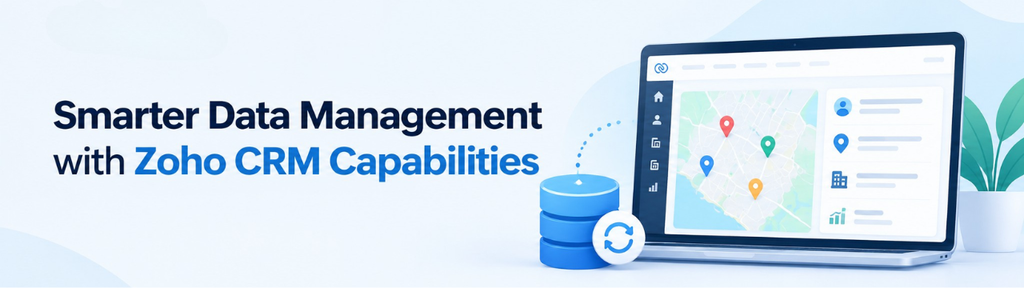
Accurate data is, therefore, the backbone of any CRM strategy, and one of the most important Zoho CRM features is the new structured Address Field. Moreover, one of the most impactful Zoho CRM tools is the new structured Address Field, which is designed to eliminate inconsistencies and improve reporting.
A Smarter Way to Capture and Use Address Data
1. Granular Data Capture
Addresses are broken down into components such as country, state, city, street, ZIP code, and coordinates, making data more structured and easier to manage a key example of Zoho CRM components.
2. Standardized Global Lists
Additionally, predefined country and state lists ensure consistency and reduce manual errors.
3. Built-In Data Accuracy Controls
Additionally, admins can enforce validation rules to maintain clean, reliable data.
4. Easy Implementation Across Modules
New users get this feature by default, while existing users can enable it easily.
Business Impact
- Reduced data entry errors through improved Zoho CRM features
- Better segmentation and territory management
- Enhanced reporting and automation
Transform Marketing with AI-Powered Zoho CRM Features
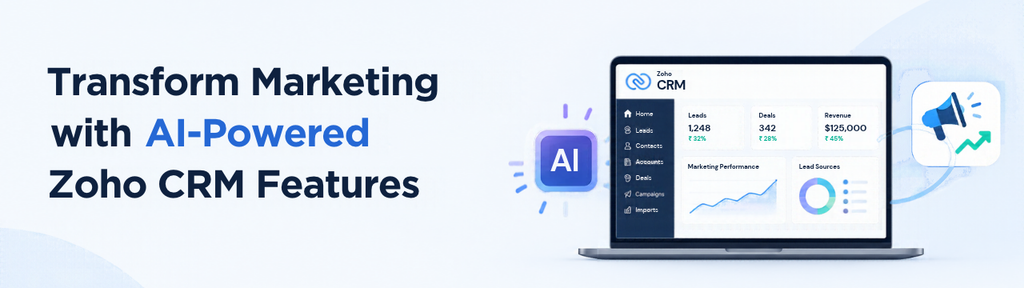
The latest Zoho CRM capabilities help businesses create more effective marketing strategies through AI-powered content generation. Instead of focusing solely on product specifications and technical features, businesses can highlight the practical benefits customers receive. As a result, marketing teams can communicate product value clearly, improve content creation efficiency, and build stronger connections with potential customers.
From Zoho CRM Utilities to Customer Benefits
Traditional marketing often highlights what a product does rather than explaining how it benefits customers. By adopting benefit-driven messaging, businesses can demonstrate how their products solve problems, simplify tasks, and improve outcomes.
Moreover, Zoho CRM’s AI-powered marketing tools help teams transform product information into customer-focused descriptions. Consequently, marketing messages become more relevant, easier to understand, and better aligned with customer expectations.
AI-Powered Content Creation
Among the useful Zoho CRM capabilities are AI-powered content generation tools that help businesses create benefit-focused product descriptions efficiently.
- Select a product: Choose the product or service you want to promote.
- Generate benefit-focused descriptions using AI: Create descriptions that highlight customer advantages, practical solutions, and the value of your offering.
- Refine and publish: Review the AI-generated content, make necessary adjustments, and publish polished marketing messages.
This process reduces manual writing effort, accelerates content production, and helps maintain consistency across marketing communications.
Why It Matters for Growth
These AI-powered Zoho CRM features help businesses improve marketing efficiency while communicating product value more effectively.
- Faster content creation: Generate product descriptions quickly and reduce the time spent drafting marketing materials manually.
- Higher conversion potential: Highlight relevant benefits to help potential customers understand product value and make informed purchasing decisions.
- Stronger customer engagement: Deliver clear, relevant messages that connect product capabilities with customer needs and interests.
Therefore, adopting benefit-driven marketing can help businesses create more compelling campaigns, improve communication, and strengthen customer relationships.
Streamlining Workflows with Zoho CRM Modules

Zoho CRM workflow automation features help businesses simplify processes, manage records efficiently, and reduce repetitive administrative tasks. Kiosk Studio offers workflow customization capabilities that allow teams to create guided experiences and adapt processes to changing business requirements.
Furthermore, its flexibility in record handling, reusable workflow components, navigation, and automation enables organizations to develop more efficient processes. As a result, teams can improve usability, increase productivity, and streamline everyday operations.
Key Enhancements in Zoho CRM Capabilities for Workflow Automation
Kiosk Studio provides several enhancements that help businesses automate processes, simplify record management, and improve productivity. These CRM automation tools allow teams to create flexible workflows while reducing repetitive administrative tasks.
1. Flexible Record Handling
Kiosk Studio allows administrators to configure fields as mandatory, optional, or view-only. As a result, businesses can maintain accurate records while ensuring users provide essential information and avoid modifying fields that should remain unchanged.
2. Modular Workflow Design
The Get Records functionality can operate independently, making workflow components easier to reuse across different processes. Consequently, administrators can reduce duplication, simplify maintenance, and create more adaptable workflows.
3. Improved User Interaction
Additionally, users can open records directly within workflows, reducing unnecessary navigation between screens. As a result, teams can access relevant information faster and complete everyday CRM tasks more efficiently.
4. Faster Setup and Navigation
Kiosk Studio allows administrators to clone existing kiosks and reorder buttons to create more organized layouts. Therefore, businesses can simplify configuration, reduce setup effort, and provide users with a smoother navigation experience.
5. Advanced Automation Capabilities
Moreover, dynamic user data can be used in approvals and notifications, allowing businesses to tailor workflow actions to specific users and process requirements. Consequently, these Zoho CRM automation capabilities help reduce manual intervention and improve communication.
6. Enhanced Data Visibility
The ability to display up to 30 fields provides users with a broader view of relevant record information within a workflow. As a result, teams can review records more efficiently, understand important details, and make better-informed decisions.
7. Simplified Version Control
Maintaining one draft version and one published version simplifies kiosk management. This approach helps administrators manage updates more effectively while keeping the published version available, making workflow maintenance easier to manage.
Operational Benefits of Zoho CRM Workflow Automation
These workflow enhancements offer several practical advantages for businesses.
- Reduced manual work: Automate repetitive actions and simplify routine processes.
- Improved productivity: Enable faster access to records and relevant information.
- Faster implementation: Reuse existing kiosk configurations to reduce setup time.
- Better process consistency: Standardize workflows across teams and departments.
- Greater flexibility: Adapt workflows to changing business requirements.
By leveraging these Zoho CRM workflow features, businesses can simplify operations, improve team efficiency, and maintain more consistent processes.
How These Enhancements Improve Business Efficiency
By combining flexible record handling, reusable components, and improved automation, Zoho CRM helps businesses streamline operations. Consequently, teams can spend less time on repetitive tasks and more time on customer relationships, strategic planning, and business growth.
Why These Zoho CRM Features Matter
Modern businesses need CRM systems that do more than store customer information. They need tools that help teams work efficiently, make informed decisions, and deliver better customer experiences. Zoho CRM features support these goals by simplifying data management, automating workflows, and improving customer engagement.
Additionally, AI-powered marketing and workflow automation help businesses communicate product value effectively while managing everyday processes.
- Structured data improves decision-making: Organized CRM records and structured address fields support accurate reporting, reliable data analysis, and better business planning.
- Low-code automation reduces deployment time: Configurable workflows help businesses implement and modify processes with less reliance on extensive custom development.
- AI-powered marketing improves engagement: Intelligent content creation helps teams develop relevant marketing messages efficiently, while benefit-driven communication strengthens customer relationships.
Therefore, businesses that effectively leverage these CRM tools and automation capabilities can reduce operational inefficiencies, maintain marketing consistency, and build processes that support sustainable growth.
How to Get Started with Zoho CRM Features
To maximize the value of Zoho CRM, businesses should identify opportunities to improve data quality, automate workflows, and enhance marketing content. A structured implementation approach helps teams introduce improvements without disrupting existing operations.
Practical Implementation Tips
1. Upgrade Address Data
Use structured address fields to improve data accuracy, reduce incomplete records, and support reliable reporting. Furthermore, standardizing location information can make data analysis and business planning more effective.
2. Optimize Workflows
Leverage Kiosk Studio’s workflow automation capabilities to simplify repetitive tasks, organize record interactions, and improve operational efficiency. Start with processes that involve frequent manual steps or unnecessary navigation.
3. Improve Marketing Content
Use AI-powered CRM marketing tools to create benefit-focused messages that highlight customer value and maintain brand consistency. Additionally, review AI-generated content before publishing to ensure accuracy and alignment with your brand voice.
4. Standardize Data Entry
Establish consistent data-entry rules across departments and regions to improve data quality and minimize errors. Configure mandatory, optional, and view-only fields where appropriate to help users maintain consistent records.
5. Start Small and Scale
Begin with a pilot project, such as automating one workflow or improving marketing content for a single product. Measure the results, collect user feedback, and make adjustments before expanding successful improvements across other teams and processes.
By implementing these Zoho CRM features strategically, businesses can streamline operations, improve productivity, strengthen customer engagement, and build more consistent, customer-focused processes that support long-term growth.ocused processes.
Moving Forward
Overall, the latest Zoho CRM represent a major step forward in CRM efficiency. By improving data structure, enhancing workflows, and enabling smarter marketing, Zoho CRM features help businesses operate with greater precision and efficiency.
As a result, adopting these tools can help organizations stay competitive, improve productivity, and drive sustainable growth.